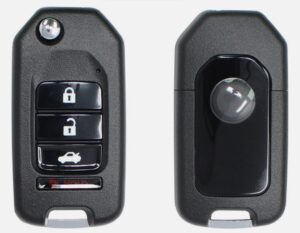
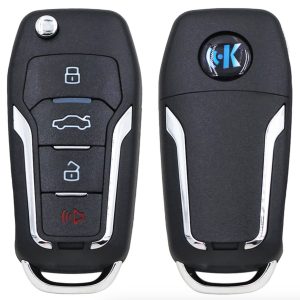
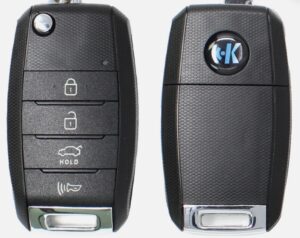
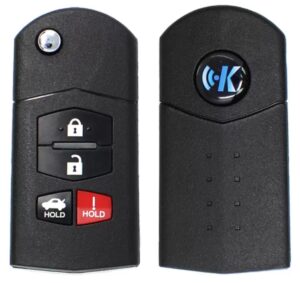
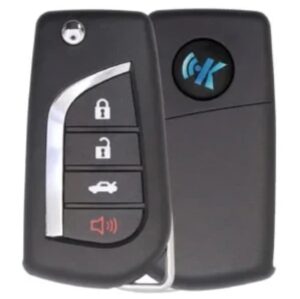
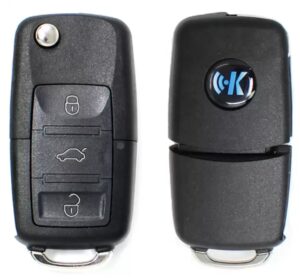
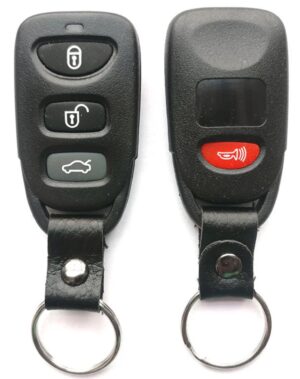
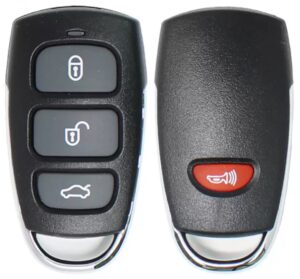
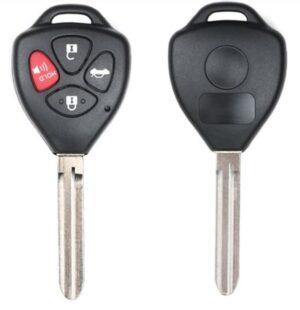
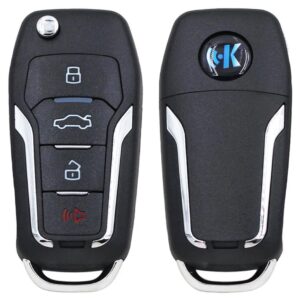
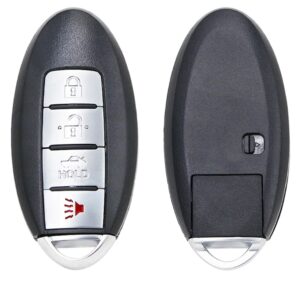
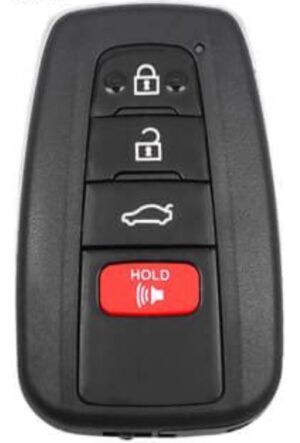
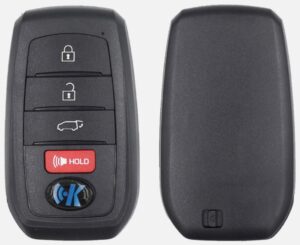
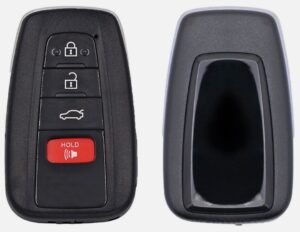
Keydiy (KD) digital remotes are
universal programmable car keys that allow automotive locksmiths to generate hundreds of vehicle remotes from a small, cost-effective physical inventory using software like the KEYDIY Mobile App.
Product Series Breakdown
B-Series (Universal Remotes): Requires a manual transponder chip insertion; programmed via an external data cable.
NB-Series (Multi-functional Remotes): Features a built-in transponder chip; configuration covers multiple immobilizer protocols.
ZB-Series (Smart Keys): Designed exclusively for proximity/keyless-go push-button start systems; supports rolling-code generation.
TB-Series (Toyota/Lexus): Special hardware built for high-security 8A and 4D Toyota smart key emulation.
Technical Tips
Always Check the Cloud: Update your application database daily; new vehicle algorithms and rolling-code calculations are added continuously.
The “No-Battery” Rule: Do not install the CR2032 battery while programming B-Series keys via the physical data cable to avoid board shorts.
Transponder Cloning Precedence: Always write or clone the transponder logic before programming the remote control frequency to ensure immobilizer sync.
Unlock Functionality: Used KD remotes can be cleared and reprogrammed an infinite number of times; they do not permanently lock to a vehicle VIN.
Frequency Fine-Tuning: Use the frequency test tool inside the app if a vehicle has low range; manually offset the frequency by +/- 0.5MHz if needed.
Brief Instruction Manual
Step 1: Vehicle Selection
Open your mobile software application.
Select your vehicle make, model, and year.
Confirm the matching FCC ID and part number.
Step 2: Remote Generation
Insert the Keydiy circuit board into your programming device.
Connect via Bluetooth or data cable.
Click the Generate button in the app.
Wait for the green success confirmation bar.
Step 3: Vehicle On-Board Programming
Cut the physical key blade using your key machine.
Take the programmed Keydiy remote to the car.
Connect your OBD2 diagnostic scanner to the vehicle port.
Program the remote to the car using standard OEM programming steps.
Importance of Technical Support
Access to a reliable distributor’s technical helpline is vital for field automotive locksmiths. Car manufacturers frequently release silent software updates that alter immobilizer handshakes, making real-time expert support a necessity.
Live Troubleshooting: Minimizes time spent stranded at a customer’s vehicle.
Database Discrepancies: Clarifies variations between European, American, and Asian market rolling-code frequencies.
Hardware Recovery: Provides firmware rollbacks if a remote becomes unresponsive during an interrupted generation cycle.
Pinout Diagrams: Delivers immediate access to board-level soldering diagrams for garage door configurations and non-standard ignition modules.