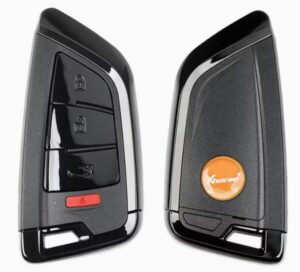
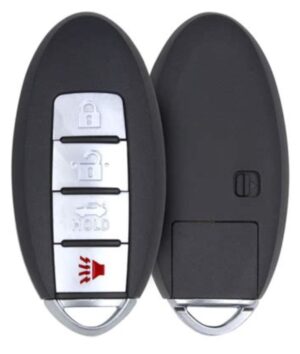
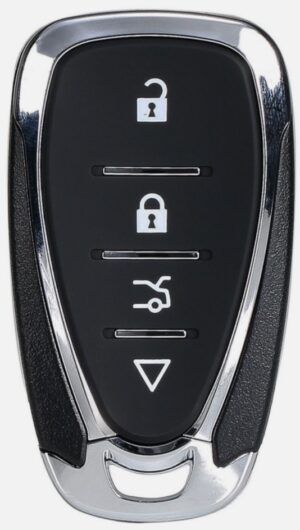
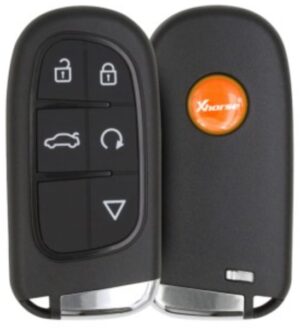
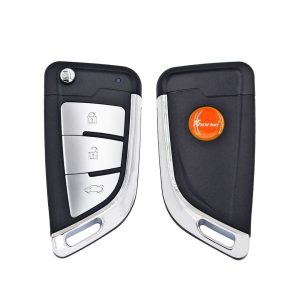
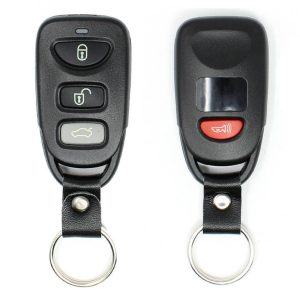
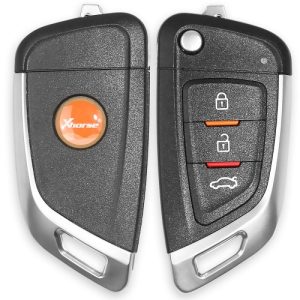
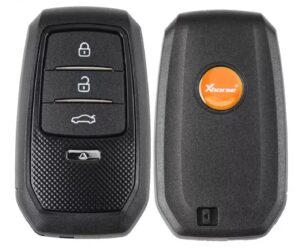
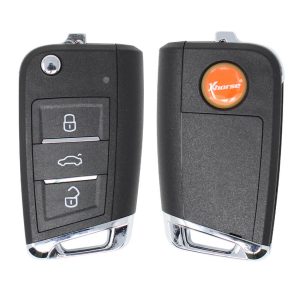
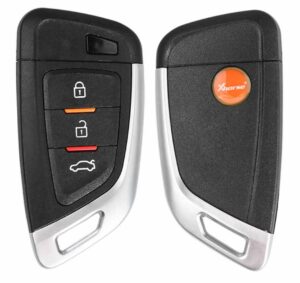
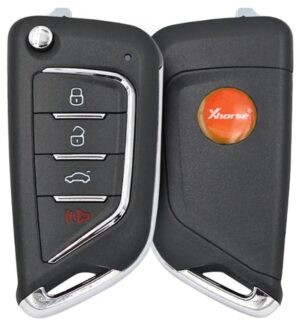
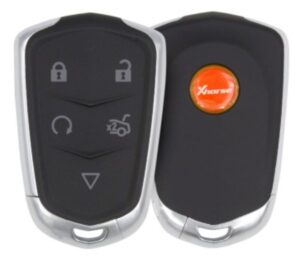
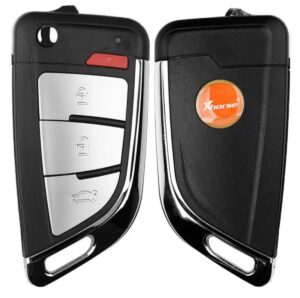
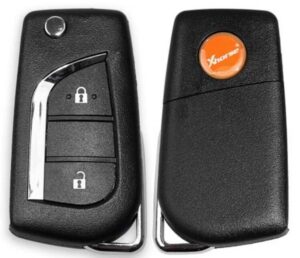
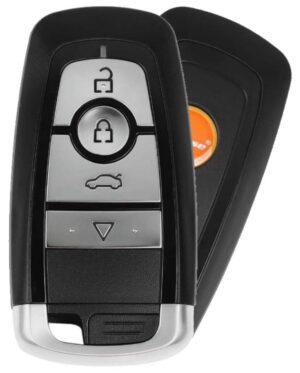
Xhorse Universal Remotes are highly versatile
aftermarket keys designed for
automotive locksmiths to replace and
program car keys across thousands of vehicle models. Instead of stocking specific keys for every brand, locksmiths use an
Xhorse programming tool (such as the
Key Tool Max Pro or
Key Tool Plus) to electronically configure a generic Xhorse remote into a vehicle-specific fob.
Description of Xhorse Remote Series
Xhorse categorizes its universal remotes into four primary series, easily distinguishable by their packaging color and chip integration:
-
XK Series (Wired – Red Box): Standard remotes with no integrated
transponder chip. They must be physically connected to the key tool via a programming cable to generate the remote data.
-
XN Series (Wireless – Blue Box): Includes a built-in cloneable NXP transponder chip. They generate wirelessly over the air when placed in the tool’s induction coil.
-
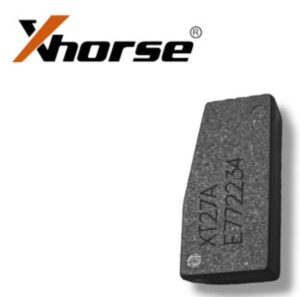
XE Series (Super Remote – Purple Box): Features an embedded Xhorse Super Chip (XT27). This chip can be configured to emulate a massive array of different immobilizer transponder types.
-
XS Series (Smart Key – Orange Box): High-end universal proximity keys designed for push-button start vehicles. They include full Keyless-Go functionality.
Advantages for Automotive Locksmiths
Brief Instruction Manual: Generating a Remote
- Identify the Vehicle: Open the Xhorse App or your Key Tool screen and navigate to Vehicle Remote, then select the specific Make, Model, and Year.
- Prepare the Remote Hardware:
-
Generate Remote Code: Place the remote (or connected board) into the detection coil slot of your Xhorse Tool and tap Generate Remote. Wait for the bar to hit 100%.
-
Cut the Blade: Install the appropriate mechanical key blade into the flip mechanism and cut the physical key cuts using an automatic machine.
-
Vehicle Programming: Take the completed key to the car to program the remote functions and transponder into the vehicle’s immobilizer via the OBD port.
Technical Tips for Locksmiths
-
The Golden Battery Rule: Always remove the battery before attempting to program a Wired (XK) remote, or the generation will fail. Conversely, Wireless (XN/XE/XS)remotes require a battery installed to generate over-the-air.
- Failed Generation Reset: If a smart key fails during programming and becomes bricked, remove the battery, hold down the Lock button, reinsert the battery while holding it, and wait for the PCB light to stay solid to force a reset.
- Button Customization: If a generated key layouts buttons incorrectly (e.g., trunk button opens the window), go to Special Functions > VVDI Remote Functions > Smart Key Customization to remap individual button output values.
-
Smart Key Cloning: You can copy a fully programmed Xhorse
universal smart key over to another Xhorse smart key using the Smart Key Clone function without needing to connect an OBD tool to the car.
Importance of Tech Support for Customers
Because
Xhorse remotes rely heavily on a digital ecosystem rather than direct physical hardware duplication, distributor tech support is critical for end customers (locksmiths and automotive technicians) for several reasons:
- Firmware & Database Synchronization: Xhorse constantly updates its cloud car database. Tech support helps users troubleshoot communication errors during server sync updates or tool firmware updates.
- Complex IMMO Bypass Instructions: Vehicle models change their data structures constantly (such as newer CAN-FD or MQB platforms). Tech support provides the precise, safe wiring diagrams or step-by-step procedures to avoid bricking expensive automotive modules.
- Account and Token Discrepancies: If a user runs into a network error where their earned bonus reward points or online transponder calculation tokens fail to load, local distributor customer support is required to interface with Xhorse to restore cloud functionality.